

What DarLink AI Image Generation Actually Does
There is a gap between what people expect from AI image tools and what they actually get when they sit down and start typing. DarLink AI sits in a space where image generation is tied closely to your AI companion - so the output is not a generic stock photo but something personalised to the character you have been building. That distinction matters more than most guides acknowledge.
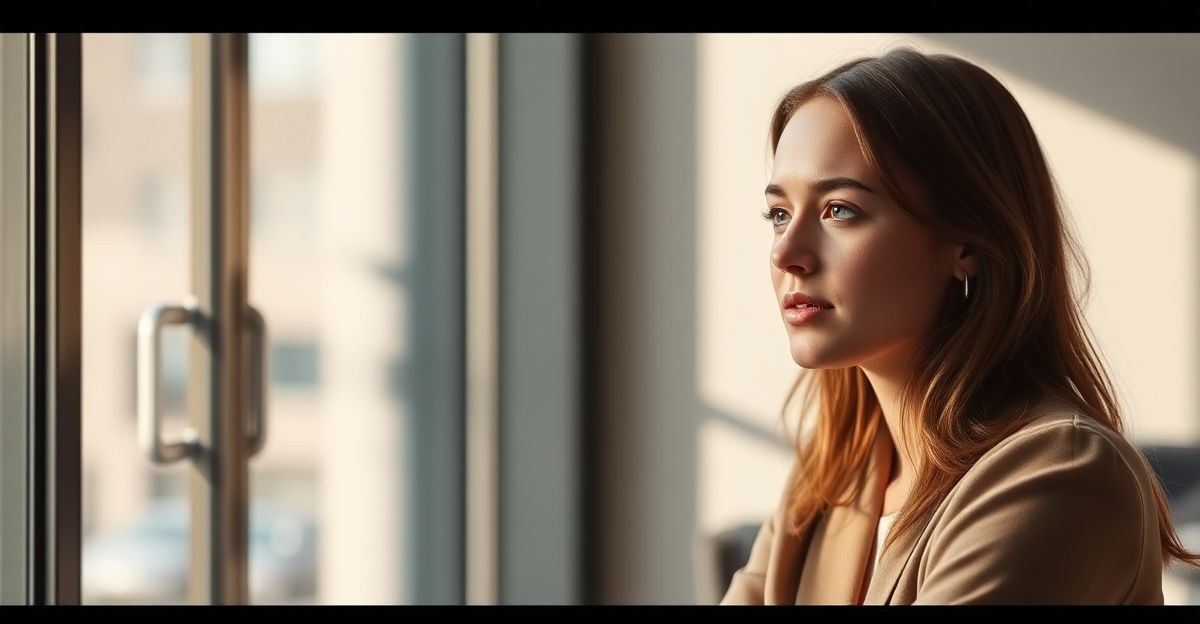
The core mechanic is straightforward. You describe what you want to see - a setting, a mood, a style - and the platform produces an image based on that description. According to third-party reviewers writing as recently as 2024, the image quality is genuinely high when prompts are handled well. The challenge is that most people start with prompts that are far too vague, and then blame the tool when the results feel off.
Understanding this upfront will save you a lot of frustration. The platform is not reading your mind. It is reading your words. So the quality of your output is almost entirely a function of the quality of your input.
How to Write Prompts That Produce Better Results
This is where most users stall. They type something like "a nice photo" and wonder why the result does not match what they pictured. Specific language is the single biggest lever you have. Think about lighting first - is it golden hour, overcast, studio-lit? Then think about the setting. A rooftop in the evening reads very differently from a cosy cafe interior. Then add style: photorealistic, soft watercolour, cinematic, editorial.

A prompt structured as "[lighting] + [setting] + [mood] + [style]" will outperform a loose description almost every time. For example: "warm afternoon light, botanical garden, relaxed and dreamy, soft film photography style" gives the model four anchors to work with. Compare that to "outdoor photo, pretty" and the difference in output quality becomes obvious.
For a deeper breakdown of how to build prompts layer by layer, the how to write DarLink AI prompts guide covers the full framework. It is worth reading before you spend tokens on results you are not happy with.
Common Mistakes That Hurt Your Image Quality
One pattern comes up repeatedly among new users: overloading a single prompt. When you pack in five competing ideas - a beach, a snowstorm, a formal gown, a casual smile, a dramatic sunset - the model has to compromise on all of them. The result tends to look muddled rather than interesting.
Contradictory style signals are another frequent problem. Asking for something simultaneously "dark and moody" and "bright and cheerful" creates confusion in the output. Pick one direction and commit to it. You can generate a second image with a different mood. That is actually a better workflow - iterate quickly rather than trying to solve everything in one prompt.
There is also a tendency to skip the style descriptor entirely. Without it, the model defaults to something generic. Even a simple addition like "cinematic" or "illustrated" gives the output a personality that generic prompts lack. Small additions, consistent improvements.
Thinking About Prompts the Way You Think About Learning Anything
On a Tuesday evening in Leeds, around 7pm, a friend asked me how compound interest actually works. I could not explain it simply enough on the spot, so I went home and spent an hour breaking it down step by step on paper. What struck me was how the understanding itself changed my behaviour going forward - suddenly decisions that had felt abstract became obvious. Learning to write better prompts works the same way. Once you understand the structure, you stop guessing and start making deliberate choices. The skill compounds. Your second batch of images will be better than your first, and your tenth will not resemble your first at all.
That same principle of step-by-step improvement applies directly to image generation. Start with simple prompts, note what works, adjust one variable at a time, and build up a personal library of language that consistently delivers. It sounds methodical because it is - and that method genuinely empowers you to get more out of the tool than people who just freestyle and hope for the best.
Managing Tokens and Getting Value From Each Generation
Tokens are the resource that limits how many images you can generate. Using them wisely matters. The practical advice here is to test a concept with a minimal prompt first - just enough to confirm the direction - before committing a more detailed version. If the rough version is pointing in the wrong direction, you have saved yourself the cost of a polished but wrong result.
Batch thinking also helps. If you have a clear vision for three or four different scenarios, plan them out before you start generating. Write the prompts in a notes app, review them, then run them in sequence. This takes about five minutes of prep and tends to produce much better results than ad hoc generation. You can explore DarLink AI tokens in more detail to understand how the credit system works and how to pace your usage across a session.
It is also worth knowing that regenerating the same prompt can produce meaningfully different outputs. If the first result is close but not quite right, try again before you rewrite the prompt. Sometimes variation is the solution, not revision.
Style Consistency Across Multiple Images
One of the more practical challenges is maintaining a consistent look across a set of images. If you are building a visual story or simply want your AI companion to feel coherent across scenes, style consistency requires deliberate effort on your end.
Keep a short list of your core style descriptors - the lighting, tone, and visual language that define your preferred aesthetic - and include them in every prompt. Think of them as a signature. The setting and mood can change; those anchors stay constant. Over time this creates a visual identity that feels intentional rather than random.
For a broader look at how image generation fits alongside other platform tools, the DarLink AI features overview is a useful reference point. It contextualises image generation within the wider set of things the platform can do.
Comments
No comments yet.
Leave a comment
Your email will not be shown. Comments are reviewed before they appear.