


What Happens When You Delete Your DarLink AI Account
Closing an account on any AI platform is rarely a single-click action. With DarLink AI, the process involves two distinct steps: removing your profile and cancelling any active subscription. Conflating the two is a common source of frustration, so it is worth understanding each component before proceeding. Deleting your profile does not automatically cancel billing, and cancelling a subscription does not erase your stored personal data.
This distinction matters from a regulatory standpoint. Under the UK General Data Protection Regulation (UK GDPR), which took effect in January 2021 following the end of the Brexit transition period, you retain the right to erasure of personal data held by any platform operating in Great Britain. DarLink AI's published privacy policy acknowledges this right explicitly, confirming that account deletion removes both your profile and the personal data associated with it.
Method 1: Delete via the App or Website
The most straightforward route is through the platform itself. Log in to your DarLink AI account using your registered credentials. Navigate to your profile settings, which are typically accessible via a menu icon or your avatar in the top corner of the interface. Look for an option labelled "Delete Account" or "Close Account" within the account or privacy section.
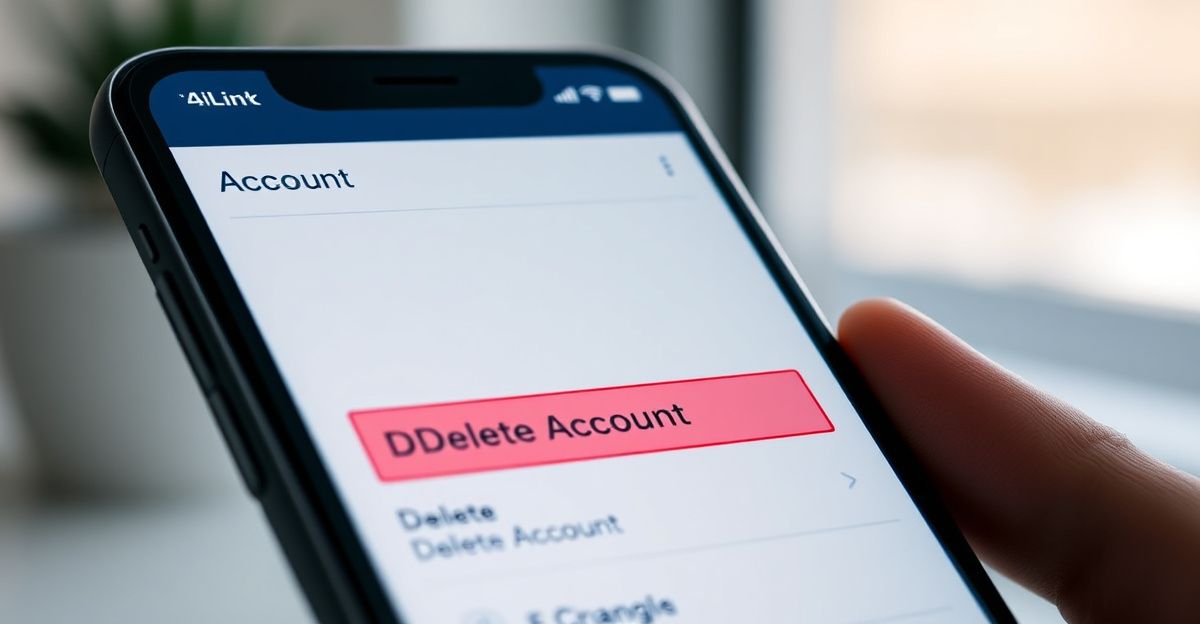
Once you initiate deletion from within the app or website, the platform should present a confirmation prompt. Read it carefully. Some platforms apply a short grace period before permanent deletion is enforced, during which you can reverse the decision. If DarLink AI applies such a window, use it deliberately rather than as an afterthought. After confirmation, your profile and associated personal data should be scheduled for removal in line with the platform's stated data retention policy.
Method 2: Request Deletion by Email
If the in-app deletion option is unavailable or returns an error, the alternative is to contact DarLink AI's customer support team directly. This method is also the one most prominently cited in community discussions. According to publicly available information, the support team processes all requests within a maximum of 48 hours and will cancel subscriptions regardless of the stated reason. This aligns with standard consumer protection expectations under UK law.
When drafting your email, include your registered email address, your account username if applicable, and a clear statement that you are requesting both account deletion and cancellation of any active subscription. Keeping a record of your sent message and any response is advisable. If you want full data erasure under UK GDPR, state this explicitly in the same email rather than as a separate follow-up. Framing it as a Subject Access and Erasure Request alongside the account closure will give the support team clear instruction on the scope of your request. For further context on what data the platform retains, review the DarLink AI data privacy documentation before sending your request.
Cancelling Your Subscription Before Deleting
Subscription cancellation deserves attention as a separate action. Several users in online forums have noted that the platform requires an email to cancel a paid plan, rather than offering a self-serve cancellation button. This is worth confirming within your own account settings, as interface features can change over time.
To cancel your DarLink AI subscription, follow the same email process described above, or use any in-app billing management section if one is available to you. Make note of your current billing cycle. If you are mid-cycle, most platforms do not offer prorated refunds unless stated in their terms. Check DarLink AI's terms of service for the specific policy applicable to your plan. Cancelling the subscription first, then deleting the account, is the safest sequence to avoid unexpected charges after the account is removed.
Your Data Rights Under UK GDPR
Working regularly with compliance documentation across various platforms, I have found that the right to erasure is often underused simply because users are unaware of how to invoke it formally. Last August, when completing registration for a regulatory research library, the process required uploading a professional verification document, and the 48-hour processing window for that document was almost identical to the window DarLink AI quotes for support requests. The experience reinforced how important it is to keep written records of any identity or personal data submitted to a platform, particularly when you later want confirmation that it has been removed.
Under UK GDPR, DarLink AI is required to respond to an erasure request within one calendar month. If the platform fails to act within that period, you can escalate the matter to the Information Commissioner's Office (ICO), which is the UK's independent data regulator. The ICO provides a dedicated complaints process for cases where platforms do not comply with data subject rights. Having a timestamped copy of your original deletion and erasure request will support any such complaint significantly.
Checklist Before You Confirm Deletion
Before finalising the deletion, run through the following practical steps. First, download or export any content, conversation history, or outputs you want to retain. Once deletion is confirmed, recovery is generally not possible. Second, check whether you have connected any third-party accounts, such as Google or Apple sign-in, and revoke platform permissions from those accounts directly. Third, confirm that no free trial is converting to a paid plan in the coming days, as the timing of a deletion request could intersect with a billing event.
A risk assessment approach is useful here: weigh the urgency of deletion against the possibility of losing access to content that may be difficult to reconstruct. This is not a reason to delay, but it is a reason to be methodical. Taking ten minutes to audit your account before requesting deletion reduces the likelihood of regret or a need to contact support again after the fact.
Comments
No comments yet.
Leave a comment
Your email will not be shown. Comments are reviewed before they appear.