

What You Need to Know Before You Cancel
Cancelling a subscription sounds straightforward, but the process for DarLink AI has one important nuance flagged repeatedly in user discussions: not every account can self-serve the cancellation entirely within the platform. According to the Terms of Service published on darlink.ai, users who subscribed via the website can cancel through account settings. However, the Refund and Cancellation Policy page specifies that contacting [email protected] is also an accepted route, and for some users it appears to be the required one.
Understanding which path applies to your account before you start saves time and reduces the risk of being billed for an extra period.
Method 1 - Cancel Through Account Settings
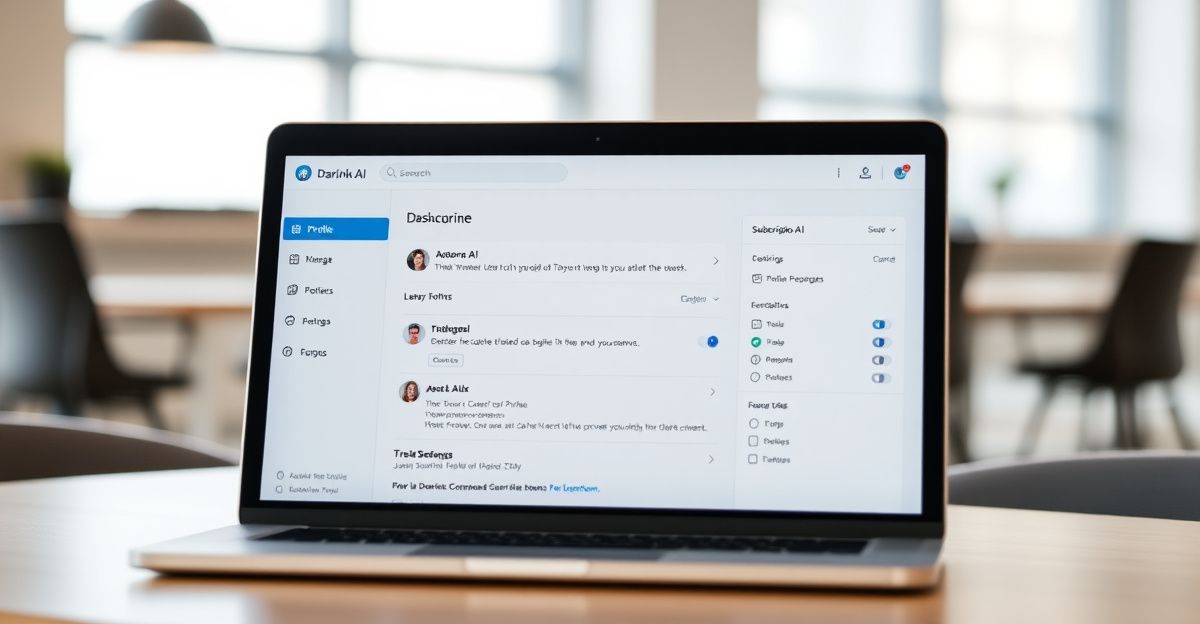
If your subscription was created directly on the DarLink AI website, the account settings route is the first one to try. Log in at darlinkai.net, navigate to your profile or account dashboard, and look for a section labelled "Subscription" or "Billing". From there, a cancellation option should be visible.
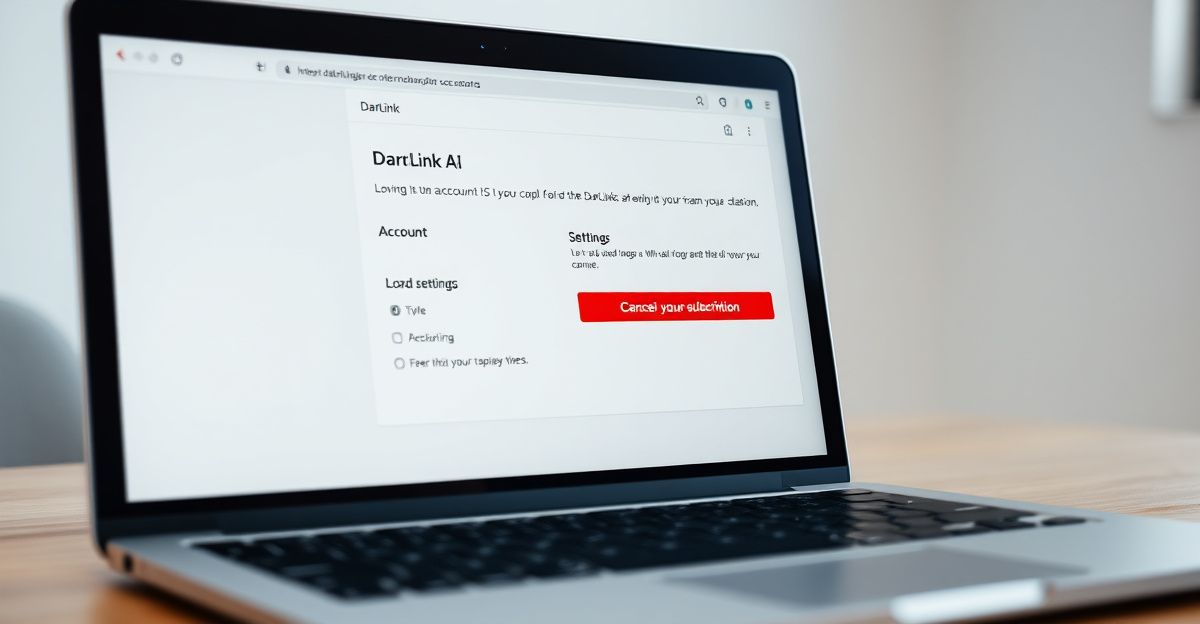
Complete the steps on screen, and take a screenshot or save the confirmation message. That record matters if there is any later dispute about whether cancellation was completed. Once confirmed, your access typically continues until the end of the billing period you have already paid for.
Method 2 - Cancel by Email
For users who cannot locate a self-serve cancellation option, or who originally signed up through a third-party channel, the supported alternative is to email [email protected]. This is the method highlighted in both the Refund and Cancellation Policy and in user reports on forums such as Reddit's r/aiwars community.
Your email should include your registered account email address, the subscription tier you are on, and the date you want cancellation to take effect. If you have a transaction reference or order number from your original payment, include that as well. A clear subject line such as "Subscription Cancellation Request" speeds up processing. Keep a copy of the sent email and any reply you receive as evidence of the request date.
What Happens to Your Data and Access After Cancellation
Cancelling a subscription does not immediately delete your account. Access to paid features continues until the end of the current billing period. If you also want to remove your personal data from the platform, that is a separate action. The account deletion process involves a distinct request, typically also handled through account settings or via support. Under UK GDPR, which took effect in 2018 and continues to apply in Great Britain through the retained UK GDPR framework, you have the right to request erasure of personal data held about you. DarLink AI, as a platform processing personal data of UK users, is required to honour a valid erasure request within one month of receipt.
If your concern is primarily about stopping future charges rather than removing data, cancellation alone is sufficient for that purpose.
Refunds After Cancellation
DarLink AI's stated policy is that cancellation stops future billing. It does not, by default, entitle you to a pro-rata refund for any unused portion of the current billing period. However, the policy does indicate that refund inquiries can be submitted to the support team. If you were charged after a cancellation request was already in progress, that is a stronger basis for a refund claim. Document the timeline carefully and reference the DarLink AI refund process guidance when raising your case.
UK consumer protection rules under the Consumer Rights Act 2015 and the Consumer Contracts Regulations 2013 may provide additional recourse if a service was not delivered as described. If a payment continues after you have evidence of a valid cancellation request, you can also raise a chargeback with your bank or card provider, typically within 120 days of the transaction, though exact windows vary by card scheme.
Lessons From Managing Subscription Services
When I signed up for a regulatory data subscription in early April 2024 at 149 pounds per quarter, the onboarding took roughly 25 minutes on a Thursday morning. I configured a dashboard to track market trends across four UK sectors, with risk assessment alerts set for compliance scores dropping below defined thresholds. What stood out was the transparency of the pricing structure: no hidden tiers, no ambiguous renewal terms. Within the first week I had exported two structured analysis reports using the platform's built-in data-driven reporting module. That experience reinforced a straightforward principle: before committing to any subscription, locate the cancellation and refund policy on day one, not on the day you decide to leave.
Applying that principle to DarLink AI, the Refund and Cancellation Policy page is accessible from the darlink.ai footer. Reviewing it at sign-up gives you a clear baseline for what to expect if you later need to exit.
If Cancellation Is Not Working
Should neither the account settings route nor the email route resolve the issue within a reasonable timeframe, there are structured escalation options. First, follow up with a second email referencing your original request date and any ticket or reference number provided. Second, if you are paying by credit or debit card, contact your card issuer to flag the ongoing charge and initiate a dispute. Third, for persistent issues, the UK's Citizens Advice consumer helpline can provide guidance on your rights under UK consumer law. For data-related concerns specifically, the Information Commissioner's Office (ICO) handles complaints about GDPR compliance.
For broader help with the platform before reaching the cancellation stage, the DarLink AI customer support page outlines contact options that may resolve billing or access issues without requiring full cancellation.
Comments
No comments yet.
Leave a comment
Your email will not be shown. Comments are reviewed before they appear.